Create a public form for Webpage

Hi,
How we create a public form on Xpoda to put the webpage like a contact us form?
Olab
-
Official comment

Hi Lucas,
Creating a public form using Xpoda is possible. While selecting the form navigate to Property Pane (right side) and click "Create Confirmation Link" button. It will display a box for you to enter username and password. In Xpoda every form runs with credentials. You can use your own credentials or any other. After providing username and password Xpoda will create a public link for you.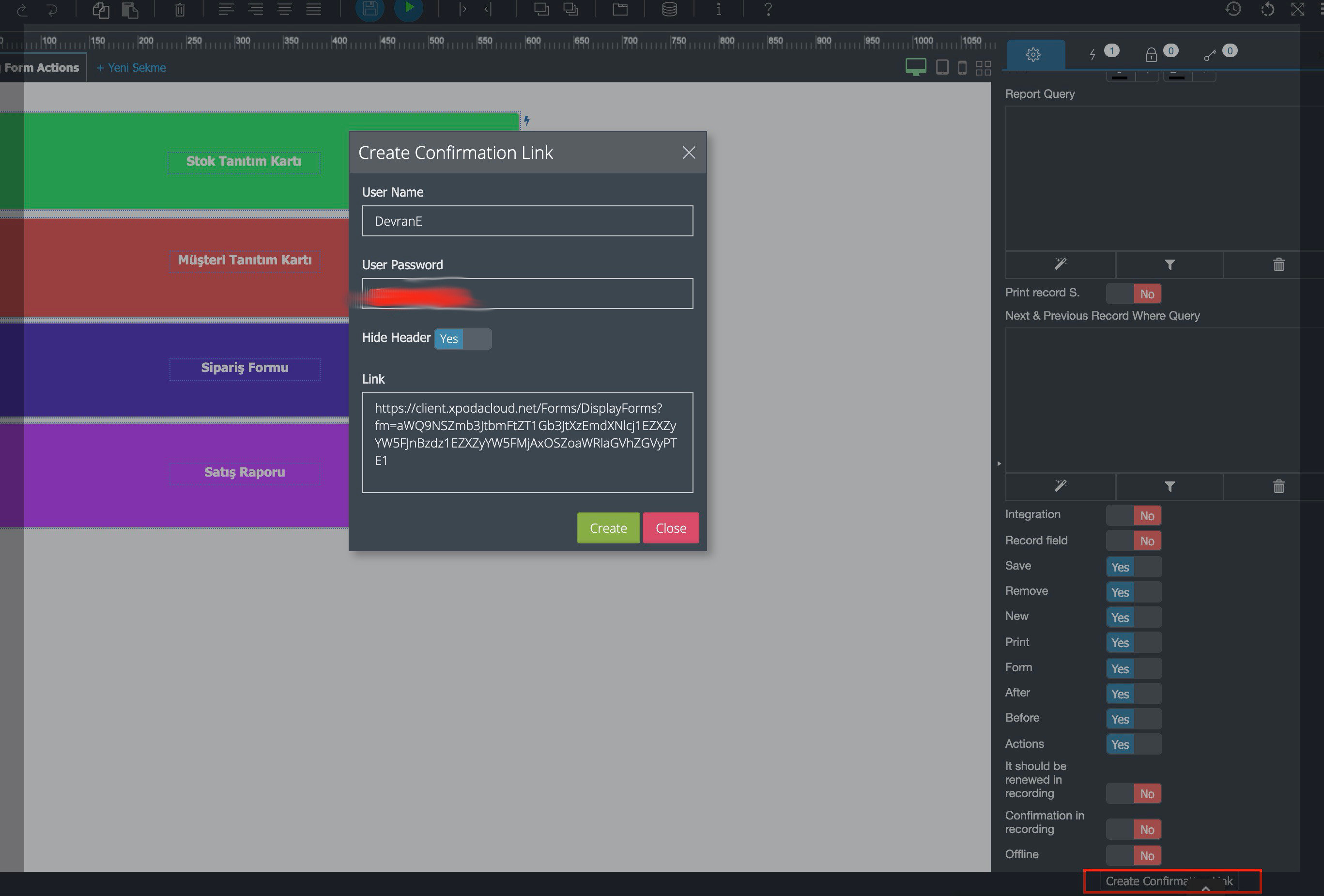 Comment actions
Please sign in to leave a comment.
Comments
2 comments